Brand Guide
0.0.1 — Last Updated 09:30 18/09/2026
Image Treatment.
Text should not be used directly over an untreated image.
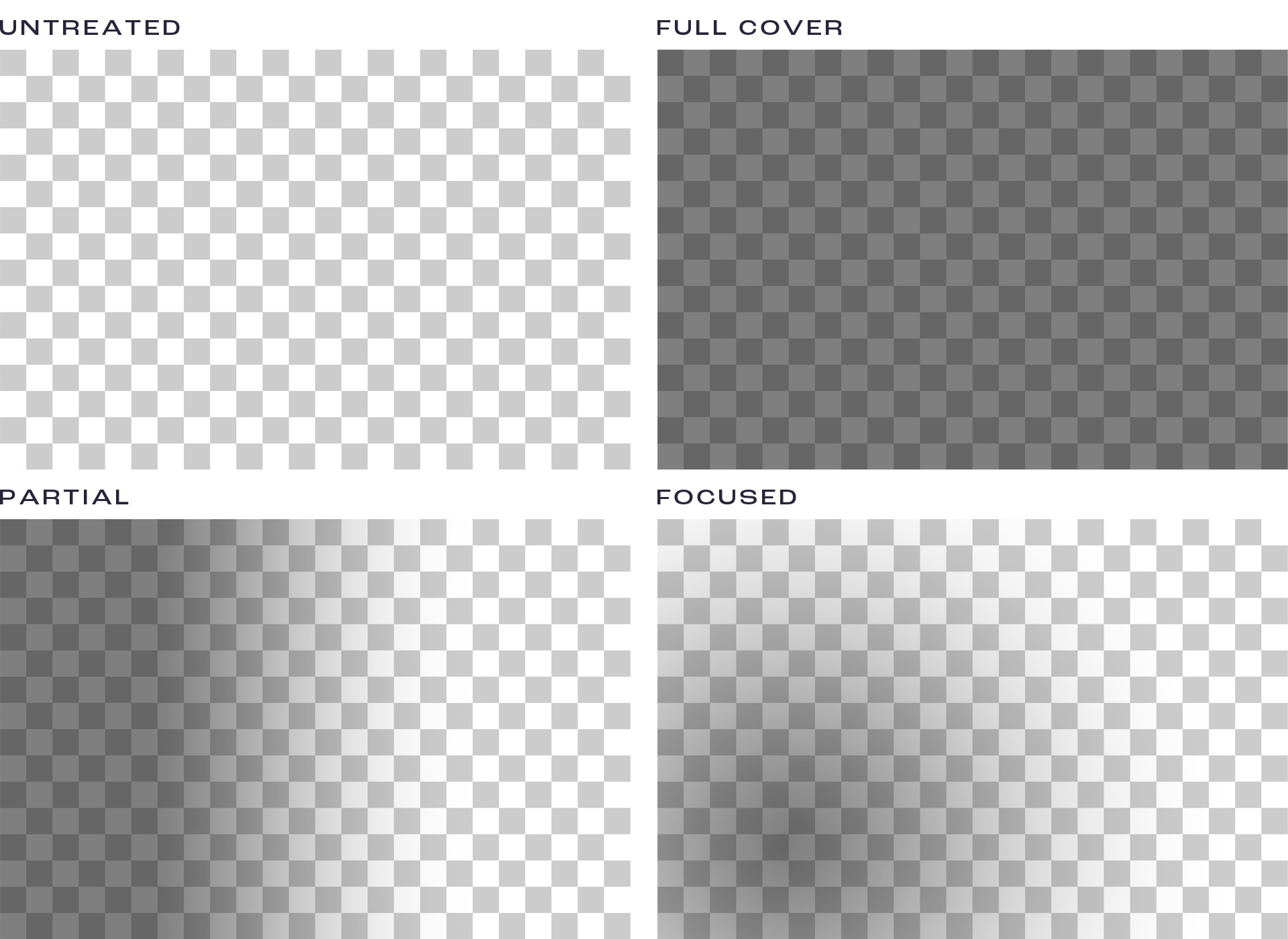
There are 3 treatment types — Full Cover, Partial & Focused.
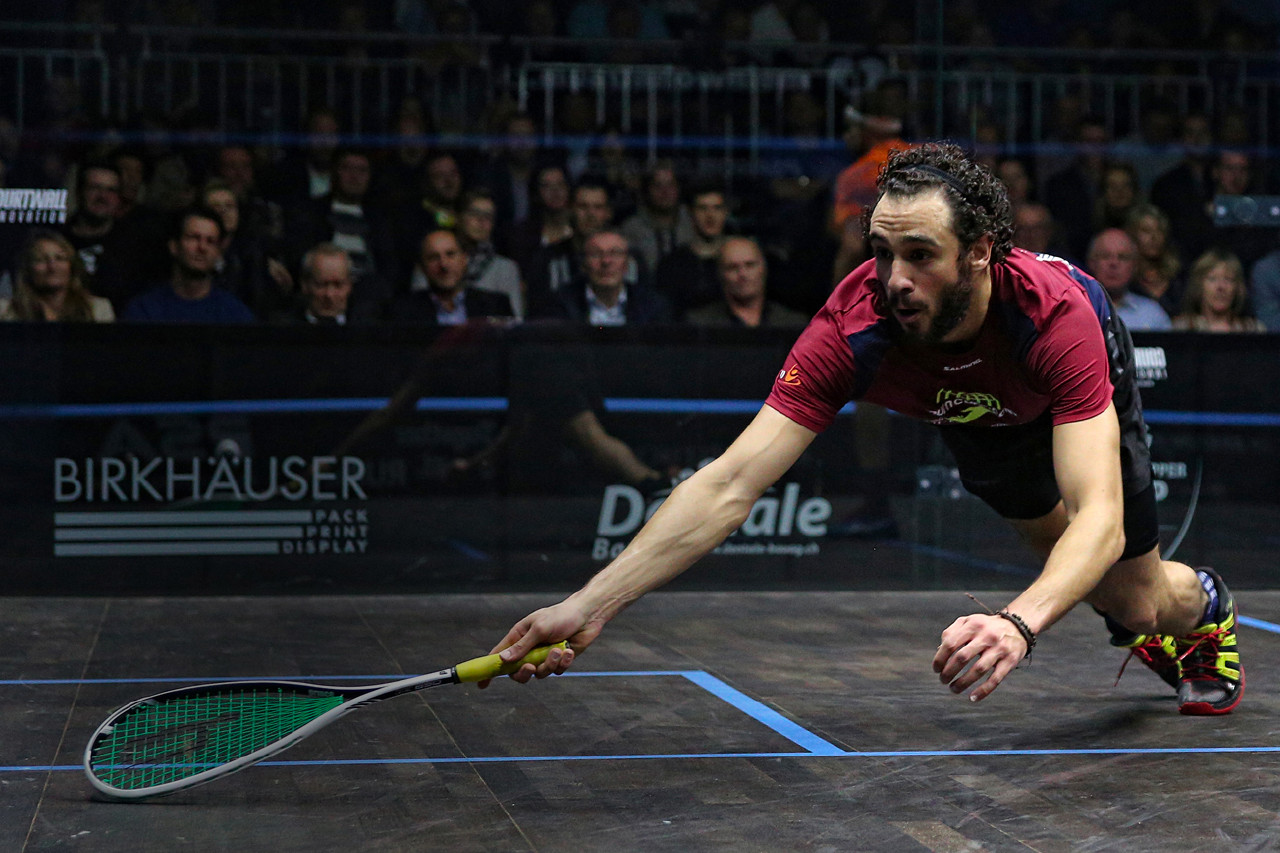
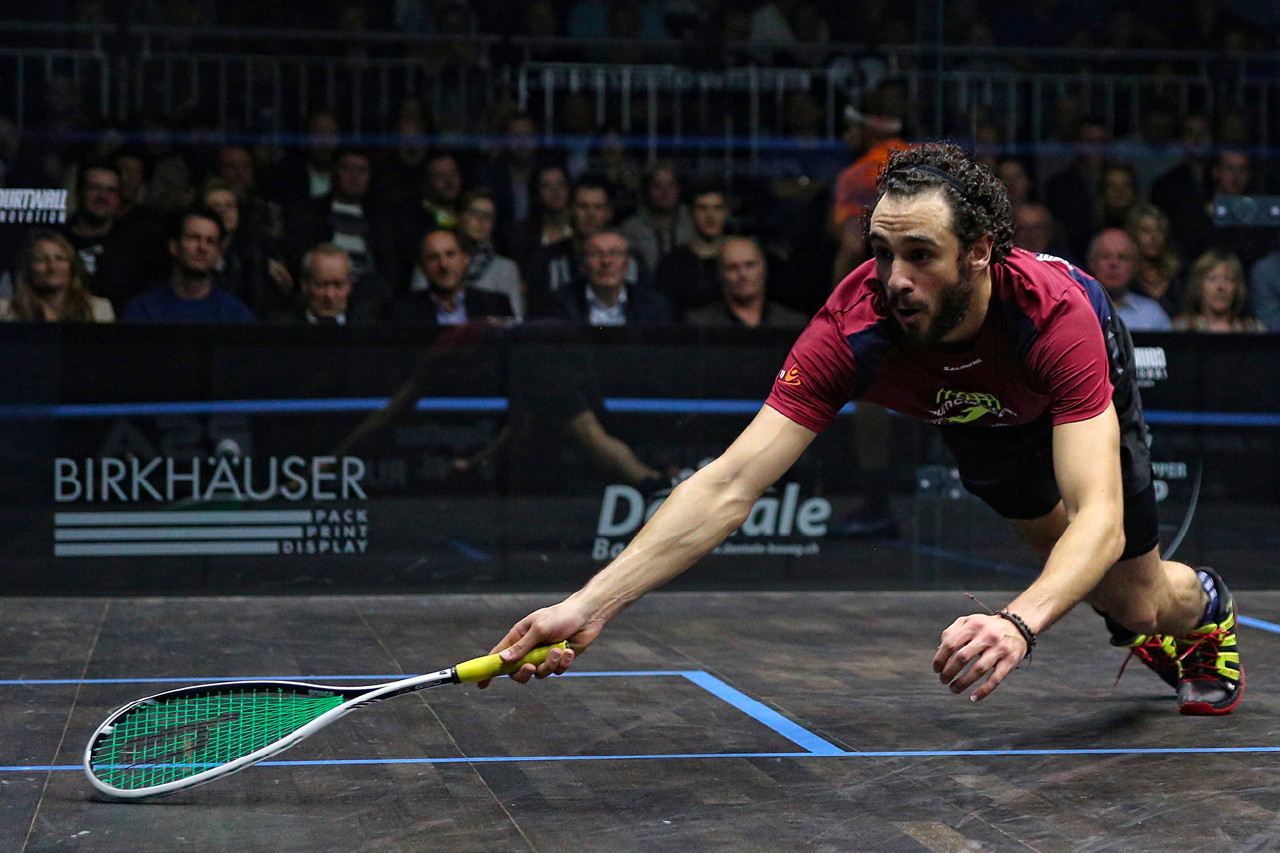
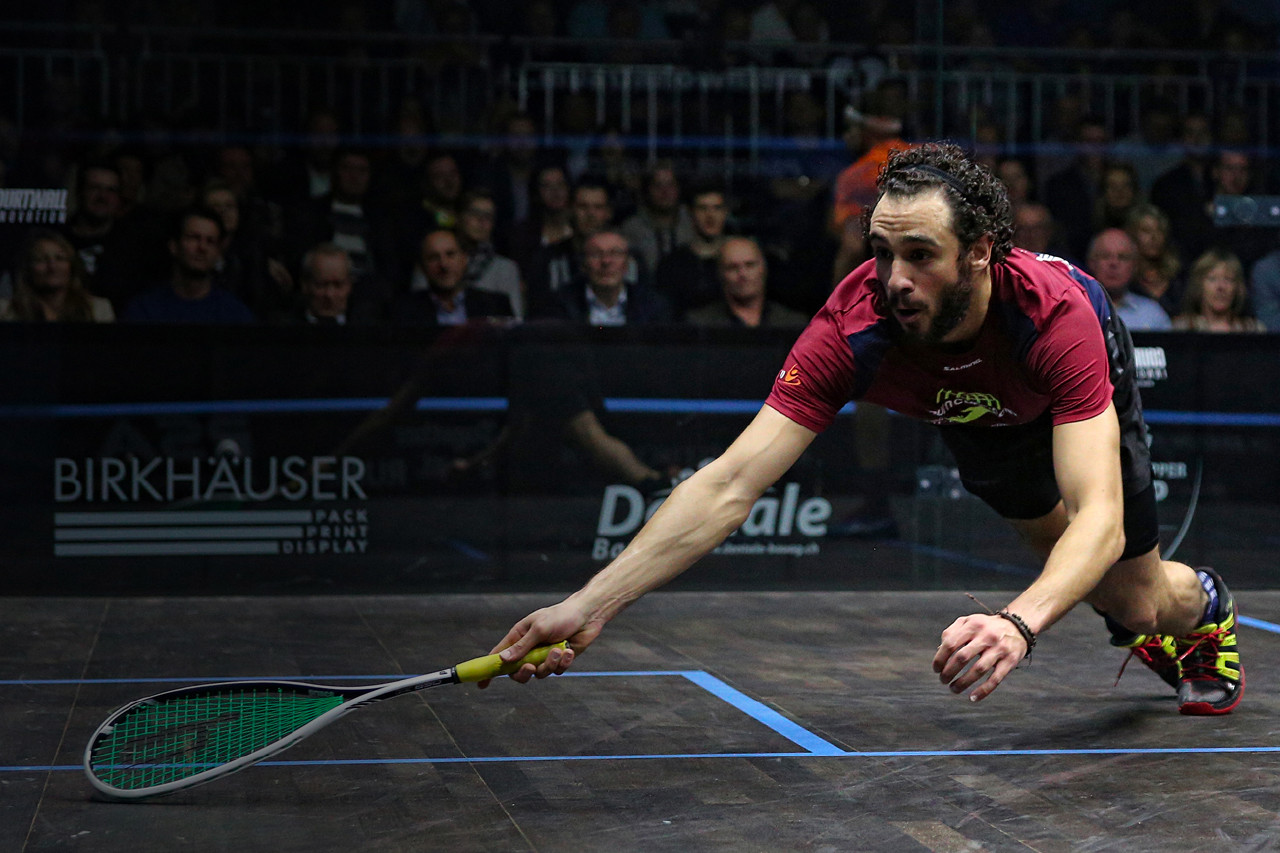
The image below is untreated as a reference.
Full Cover
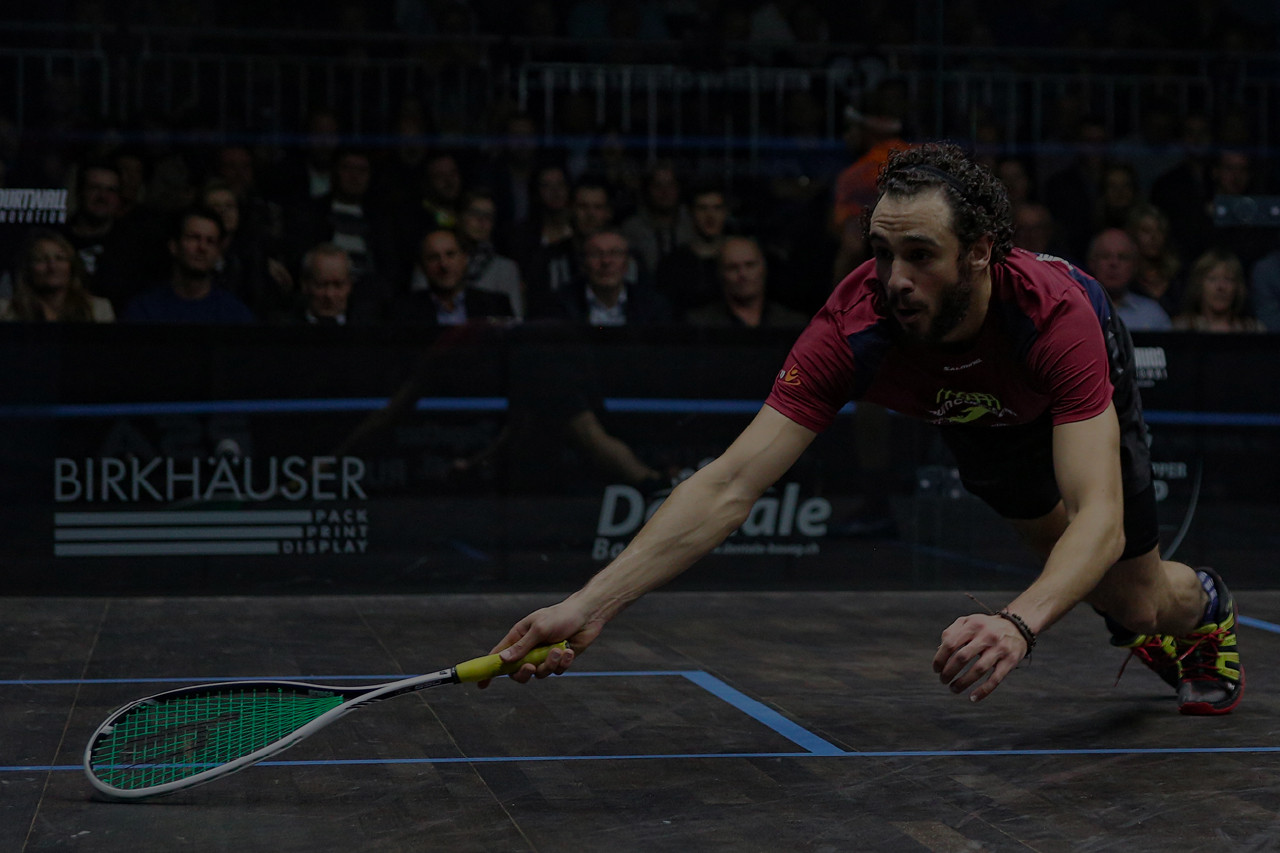
This treatment type is for the image is being used as a background image. The focus is not what's in the image and it used as a stylistic element. This is used when we either want the focus to be on another element, or where we want to overlay something over the top, such as content or logos.
This is treated with a Black (#000000) set to 50% opacity over the top of the image.
Partial Cover
This treatment type is for the image is being used in conjunction with additional content. We want part of the image to be in focus still, but we also need to one down another area so content can be used clearly.
This is treated with a linear gradient of Black (#000000) set to 50% opacity to Black (#000000) set to 0% opacity over the top of the image. The gradients direction can be set with accordance of what needs to remain in focus. The below example is left to right.
Focused Cover
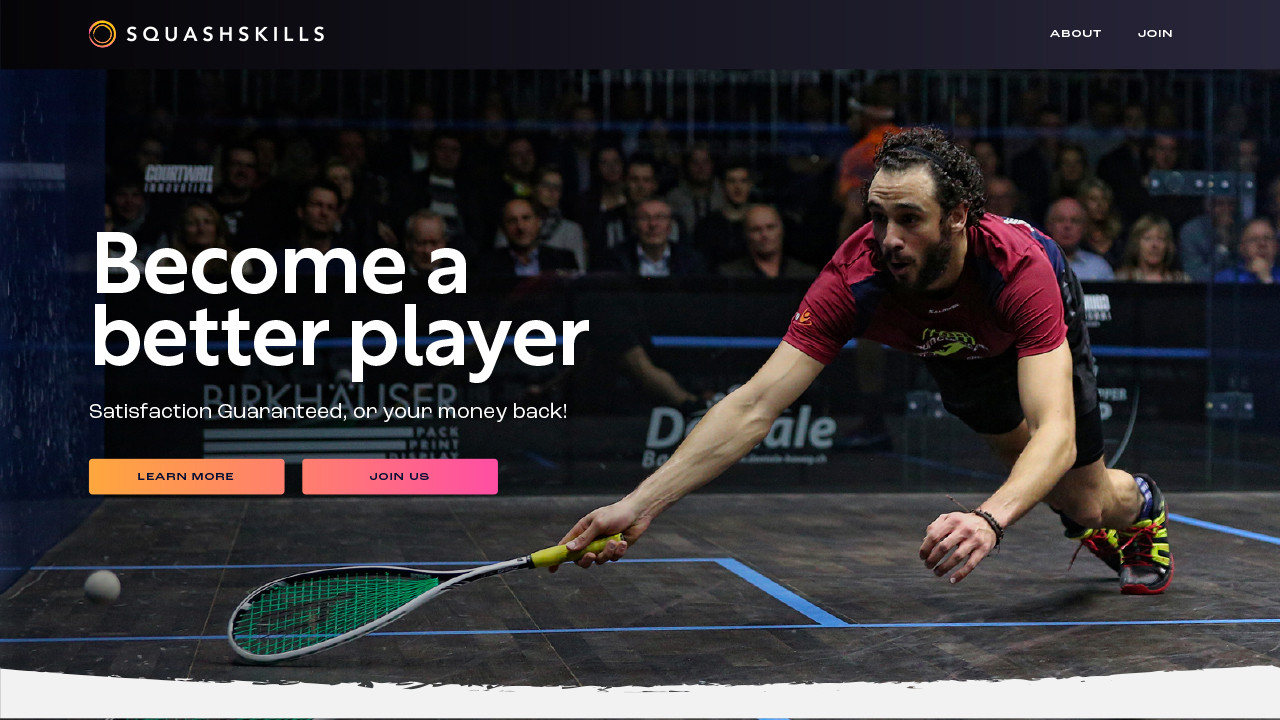
This treatment type is for the image is being used in conjunction with additional content but the image is the focus. The majority of the image needs to be in focus and so we can choose a small selection to treat for any additional content.
This is treated with a radial gradient of Black (#000000) set to 50% opacity to Black (#000000) set to 0% opacity over the top of the image. The range of the gradient and its placement can be set with accordance of what needs to remain in focus. The below example is in the bottom left of the image.